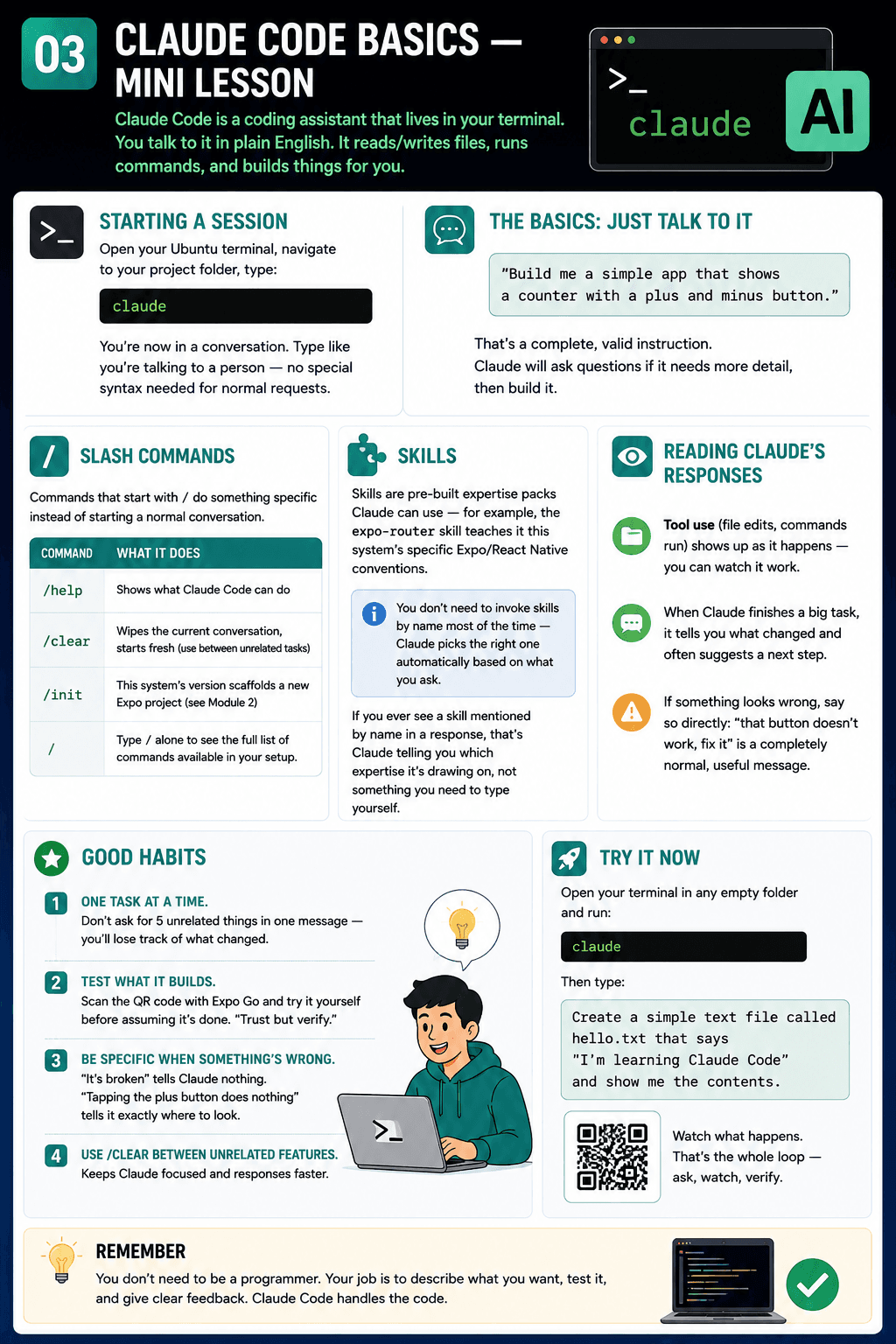
Claude Code Basics — Mini Lesson
Claude Code is a coding assistant that lives in your terminal. You talk to it in plain English; it reads/writes files, runs commands, and builds things for you.
Starting a session
Open your Ubuntu (WSL) terminal, navigate to your project folder, type:
claude
You're now in a conversation. Type like you're talking to a person — no special syntax needed for normal requests.
The basics: just talk to it
Build me a simple app that shows a counter with a plus and minus button.
That's a complete, valid instruction. Claude will ask questions if it needs more detail, then build it.
Slash commands
Commands that start with / do something specific instead of starting a normal conversation:
| Command | What it does |
|---|---|
| /help | Shows what Claude Code can do |
| /clear | Wipes the current conversation, starts fresh (use this between unrelated tasks) |
| /init | This system's version scaffolds a new Expo project (see 04-workflow-course-overview.md, Module 2) |
Type / alone in the prompt to see the full list of commands available in your setup.
Skills
Skills are pre-built expertise packs Claude can use — for example, the expo-router skill teaches it this system's specific Expo/React Native conventions. You don't need to invoke skills by name most of the time — Claude picks the right one automatically based on what you ask. If you ever see a skill mentioned by name in a response, that's Claude telling you which expertise it's drawing on, not something you need to type yourself.
Reading Claude's responses
- Tool use (file edits, commands run) shows up as it happens — you can watch it work.
- When Claude finishes a big task, it tells you what changed and often suggests a next step.
- If something looks wrong, say so directly: "that button doesn't work, fix it" is a completely normal, useful message.
Good habits
- One task at a time. Don't ask for 5 unrelated things in one message — you'll lose track of what changed.
- Test what it builds. Scan the QR code with Expo Go and try it yourself before assuming it's done. "Trust but verify."
- Be specific when something's wrong. "It's broken" tells Claude nothing. "Tapping the plus button does nothing" tells it exactly where to look.
- Use
/clearbetween unrelated features. Keeps Claude focused and responses faster.
Try it now
Open your terminal in any empty folder and run:
claude
Then type:
Create a simple text file called hello.txt that says "I'm learning Claude Code" and show me the contents.
Watch what happens. That's the whole loop — ask, watch, verify.