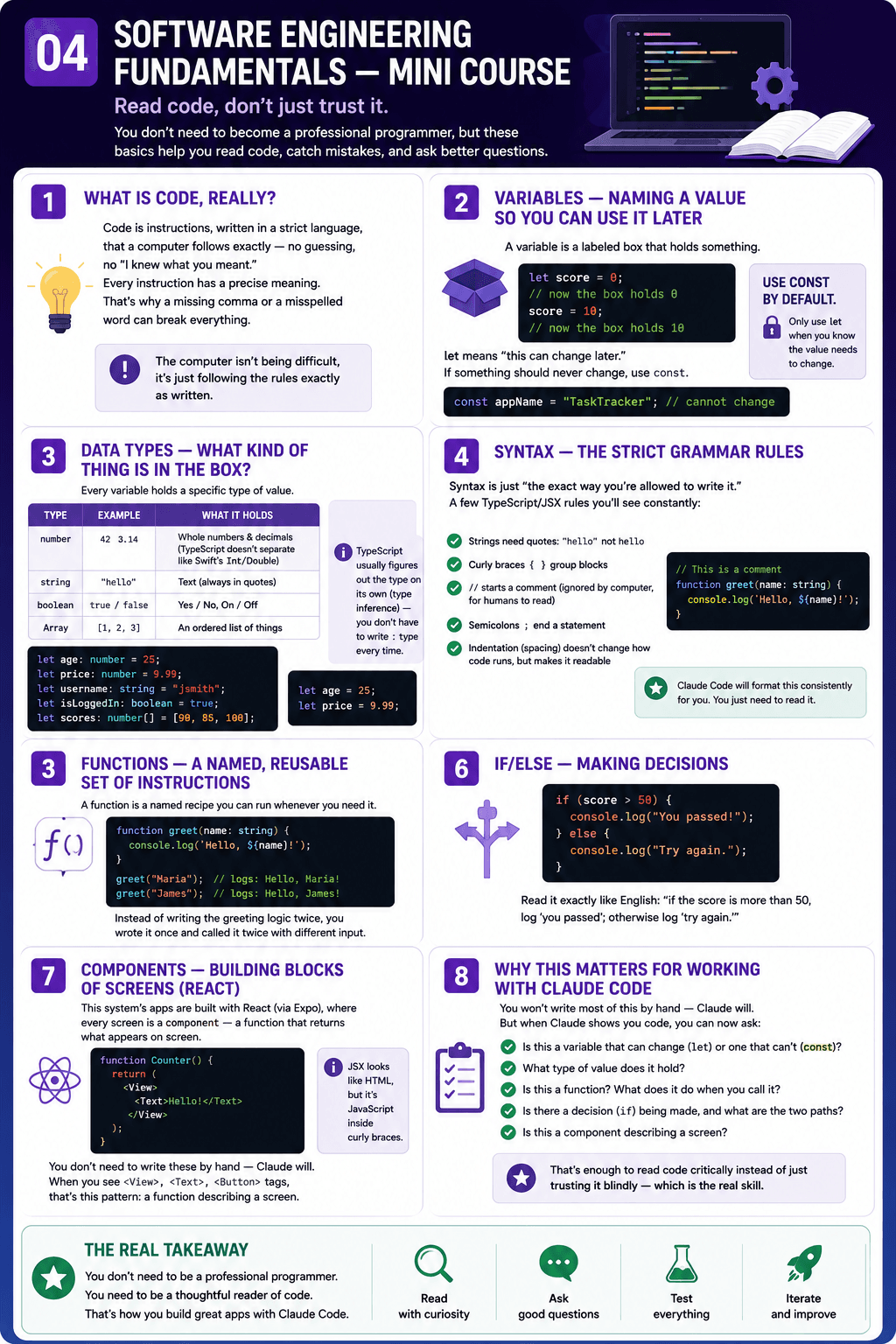
Software Engineering Fundamentals — Mini Course
You don't need to become a professional programmer to work with this system, but knowing these basics lets you read what Claude Code writes, catch mistakes, and ask better questions. Examples are in TypeScript (the language this system's apps are written in) because that's what you'll be looking at.
1. What is code, really?
Code is instructions, written in a strict language, that a computer follows exactly — no guessing, no "I knew what you meant." Every instruction has a precise meaning. This is why a missing comma or a misspelled word can break everything: the computer isn't being difficult, it's just following the rules exactly as written.
2. Variables — naming a value so you can use it later
A variable is a labeled box that holds something.
let score = 0;
This creates a box named score, currently holding the number 0. Later:
score = 10;
Now the box holds 10 instead. let means "this can change later." If something should never change, use const instead:
const appName = "TaskTracker";
appName can never be reassigned — TypeScript will refuse to compile if you try. Use const by default; only use let when you know the value needs to change.
3. Data types — what kind of thing is in the box?
Every variable holds a specific type of value:
| Type | Example | What it holds |
|---|---|---|
| number | 42 | Whole numbers and decimals (TypeScript doesn't separate them like Swift's Int/Double) |
| string | "hello" | Text (always in quotes) |
| boolean | true / false | Yes/no, on/off |
| Array | [1, 2, 3] | An ordered list of things |
let age: number = 25;
let price: number = 9.99;
let username: string = "jsmith";
let isLoggedIn: boolean = true;
let scores: number[] = [90, 85, 100];
TypeScript usually figures out the type on its own (this is called type inference) — you don't have to write : number every time:
let age = 25;          // TypeScript knows this is a number
let price = 9.99;       // TypeScript knows this is a number
4. Syntax — the strict grammar rules
Syntax is just "the exact way you're allowed to write it." A few TypeScript/JSX rules you'll see constantly (this system's apps use Expo Router, which uses JSX for screens):
- Strings need quotes:
"hello"nothello - Curly braces
{ }group blocks of instructions together //starts a comment — text the computer ignores, for humans to read- Semicolons
;end a statement — Claude Code will format this consistently for you - Indentation (spacing) doesn't change how code runs, but consistent indentation makes it readable
// This is a comment — the computer skips this line
function greet(name: string) {
  console.log(`Hello, ${name}!`);
}
5. Functions — a named, reusable set of instructions
A function is a named recipe you can run whenever you need it:
function greet(name: string) {
  console.log(`Hello, ${name}!`);
}

greet("Maria");   // logs: Hello, Maria!
greet("James");   // logs: Hello, James!
Instead of writing the greeting logic twice, you wrote it once and called it twice with different input.
6. If/else — making decisions
if (score > 50) {
  console.log("You passed!");
} else {
  console.log("Try again.");
}
Read it exactly like English: "if the score is more than 50, log 'you passed'; otherwise log 'try again.'"
7. Components — the building blocks of the screens you'll see
This system's apps are built with React (via Expo), where every screen is a component — a function that returns what should appear on screen:
function Counter() {
  return (
    <View>
      <Text>Hello!</Text>
    </View>
  );
}
You don't need to write these by hand — Claude will. But when you see a file full of <View>, <Text>, <Button> tags, that's this pattern: a function describing a screen.
8. Why this matters for working with Claude Code
You won't write most of this by hand — Claude will. But when Claude shows you a piece of code, you should now be able to answer:
- Is this a variable that can change (
let) or one that can't (const)? - What type of value does it hold?
- Is this a function? What does it do when you call it?
- Is there a decision (
if) being made, and what are the two paths? - Is this a component describing a screen?
That's enough to read code critically instead of just trusting it blindly — which is exactly the skill this whole system depends on.